Updated January 19, 2026
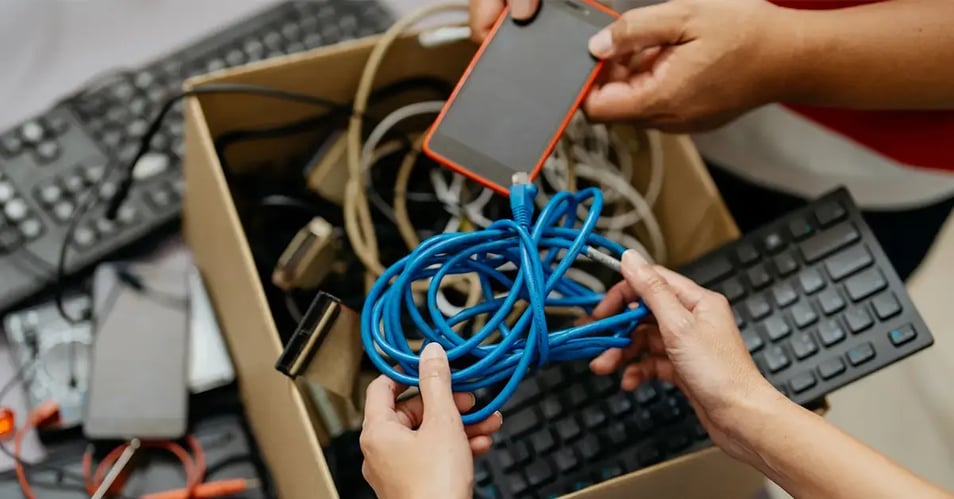
That old laptop in the storage closet. The broken printer no one wants to touch. The stack of “retired” hard drives waiting for someone to deal with them. For many organizations, outdated electronics quietly pile up and so do the serious security risks.
Secure electronic disposal isn’t just an IT housekeeping task. It’s a critical line of defense against data breaches, compliance failures, and environmental harm. Devices you think are obsolete often still contain recoverable data, and one mishandled piece of hardware can undo years of cybersecurity investment.
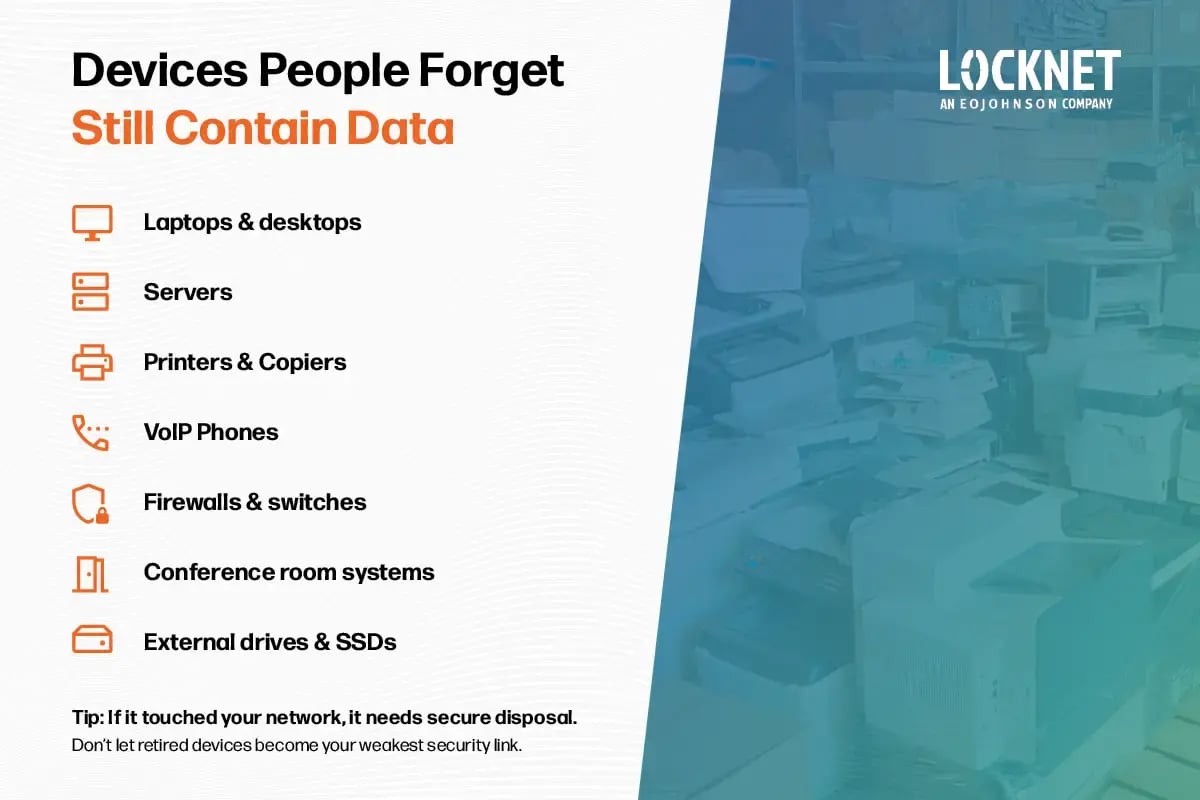
This infographic highlights the devices most organizations overlook during disposal.
Seven Tips to Securely Dispose of Electronics
Below are practical, expert-backed tips to help organizations handle secure electronic disposal, protect sensitive data, and recycle electronics safely and responsibly.
1. Treat every device as if it still contains sensitive data
If a device has ever been connected to your network, assume it still holds valuable information. Credentials, cached files, network configurations, and personal data can remain long after a device is “retired.”
This mindset shift is the foundation of secure electronic disposal, and it prevents costly assumptions.
2. Use certified data destruction methods
Deleting files or performing a factory reset is not enough. Data can often be recovered using readily available tools.
Proper secure electronic disposal requires certified data destruction methods to ensure data is permanently unrecoverable.
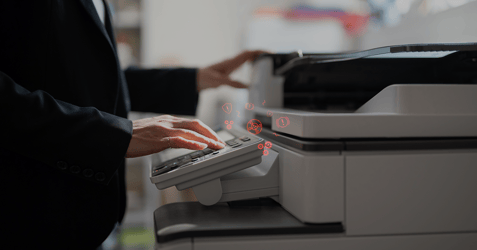
3. Don’t forget networked office equipment
Secure electronics recycling isn’t limited to computers and servers. Many commonly overlooked devices store or transmit data, including:
- Printers and copiers
- VoIP phones
- Conference room systems
If it touched your network, it needs secure handling.
4. Unregister, deactivate, and remove licensing
Before disposal, remove user accounts, deactivate software licenses, and unregister devices from cloud platforms. This step prevents unauthorized access, avoids licensing issues, and reduces future risk.
5. Maintain a documented chain of custody
A secure electronic disposal process should always include a documented chain of custody. This tracks devices from pickup through data destruction and final recycling.
Reputable providers offer:
- Serialized asset tracking
- Certificates of destruction
- Audit-ready documentation
This protects your organization during compliance reviews and security investigations.
6. Recycle responsibly after data is destroyed
Safe computer recycling should only happen after data is securely destroyed. Certified recyclers ensure electronics are handled in an environmentally responsible way and keep hazardous materials out of landfills.
7. Standardize the process with an IT asset disposal policy
An organization-wide IT asset disposal policy ensures every department follows the same secure electronic disposal procedures. This consistency reduces risk, improves accountability, and simplifies audits. Review your policy annually or whenever regulations, device types, or vendors change.
Frequently Asked Questions About Secure Electronic Disposal
Why is secure equipment disposal important?
Because retired devices often contain recoverable data. Improper disposal can lead to data breaches, compliance penalties, and reputational damage.
Isn’t deleting files or doing a factory reset enough?
No. Deleted files can often be recovered. True data destruction requires certified wiping or physical destruction.
Which types of equipment need secure disposal?
Computers, servers, laptops, tablets, phones, printers, copiers, VoIP phones, external drives, networking gear, and any device that has stored or transmitted data require secure disposal.
How does physical destruction differ from data wiping?
Wiping overwrites data to make it unrecoverable. Physical destruction permanently destroys the device and is often used for highly sensitive data.
How do I know my data is actually destroyed?
Certified providers supply a certificate of destruction and documented chain of custody.
Can old equipment still be recycled?
Yes, but only after data is securely destroyed. Safe computer recycling with certified recyclers ensures environmentally responsible handling.
What about broken or non-functional devices?
They can still contain data. Broken equipment should be physically destroyed or handled by a certified IT Asset Disposition (ITAD) provider.
How often should we review our disposal process?
Electronic disposal processes should be reviewed at least annually or whenever device types, cybersecurity regulations, or vendors change.
Secure electronic disposal is part of modern cybersecurity
Secure electronic disposal is a core cybersecurity responsibility. When handled correctly, it protects sensitive data, supports compliance, and enables responsible recycling. When ignored, it creates unnecessary risk.
Locknet offers our clients total technology lifecycle service from purchase to disposal. Our secure electronic disposal service includes a complete chain of custody from start to finish as well as a certificate of destruction to our clients at the end of the process. This ITAD service also includes sanitizing or shredding of hard drives separated from or contained within data-bearing IT assets, such as computers, laptops, and servers.
We understand the complexities involved in the disposal of IT equipment and are dedicated to helping you navigate these challenges with ease. Contact us to learn more about this supplemental service for your managed IT program.